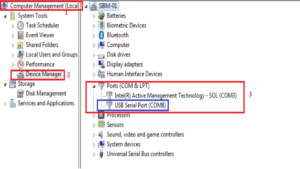
Turn Windows Features On or Off
As for the integration system engineers who work in the industry, where most of the software used is Windows OS based, it is highly likely that they will be able to experience configuring Internet Information Services (IIS).
Based on my experience, these activities to configure IIS will often be carried out together with the work of configuring Microsoft .Net framework such as .Net Framework 3.5 or 4.5 and subsequent versions related to the specifications of the software to be used.
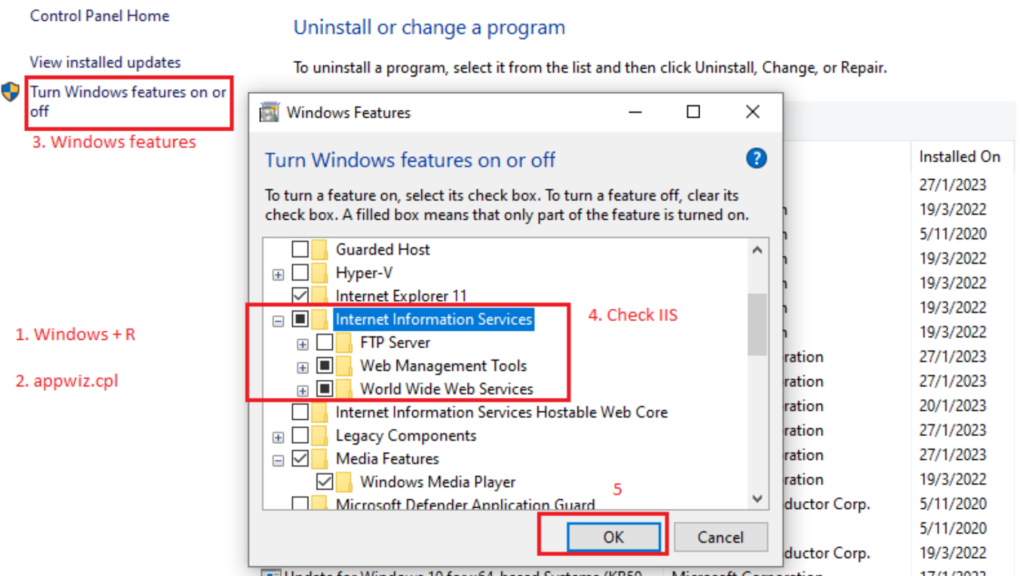
This is because IIS and .Net Framework are on the same application wizard control panel which is both on the `Turn Windows features on or off` section.
What is Internet Information Services (IIS)?

Internet Information Services, or IIS, is a web server software package designed for Windows Server. It allows Windows servers to host websites and other content on the web.
Imagine IIS as a big container that holds different websites and makes sure people can access them online. When someone types in a web address, IIS is the part of the server that makes sure the right website appears.
One of the cool things about IIS is that it can handle a lot of traffic and can be customized in many ways.
For example, you can add security features to protect your websites, manage multiple websites on one server, and much more. This flexibility makes IIS a popular choice for businesses and developers who need to host websites and web applications.
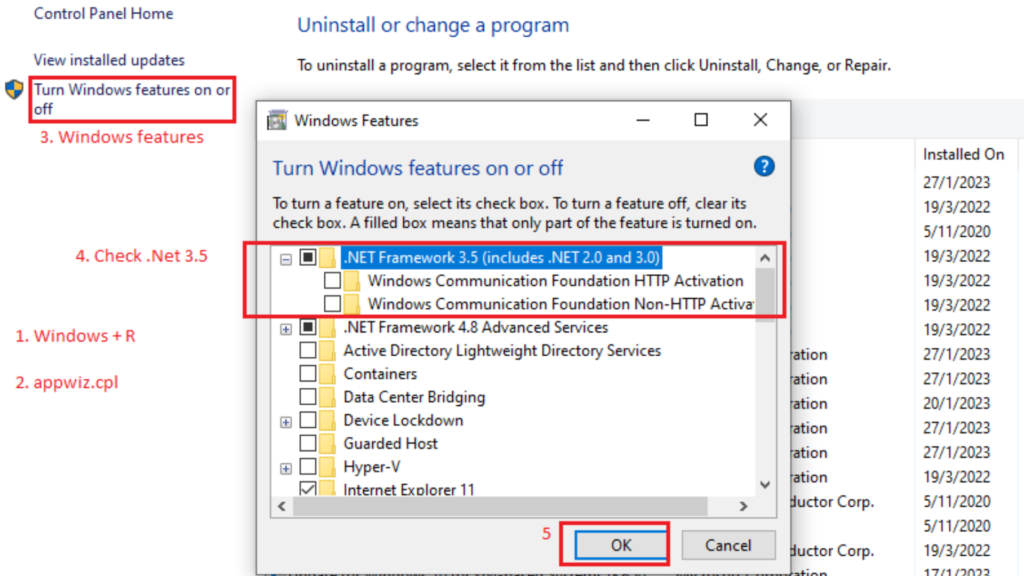
What is the .NET Framework?
The .NET Framework is a software development platform developed by Microsoft. It provides a large library of pre-coded solutions to common programming problems, and it manages the execution of programs written specifically for the framework.
Think of the .NET Framework as a huge toolbox full of tools that programmers can use to build different kinds of software.
There are different versions of the .NET Framework, like 3.5 and 4.5, and each new version adds more tools and features. Developers use these tools to create applications that can run on Windows.
This is especially important for web applications that need to be hosted on IIS. The .NET Framework makes it easier to develop, deploy, and run these applications.
How IIS and .NET Framework Work Together
When you’re setting up a server to host a web application, you often need both IIS and the .NET Framework. Here’s why:
1. Hosting Websites: IIS hosts the website or web application, making it accessible over the internet.
2. Running Applications: The .NET Framework runs the applications that are hosted on IIS. It provides the necessary libraries and runtime environment.
Configuring IIS often goes hand-in-hand with configuring the .NET Framework because both are required to get a web application up and running.
For example, when you turn on IIS on your Windows server, you might also need to turn on specific versions of the .NET Framework depending on the application requirements.
This is done through the `Turn Windows features on or off` section in the control panel.
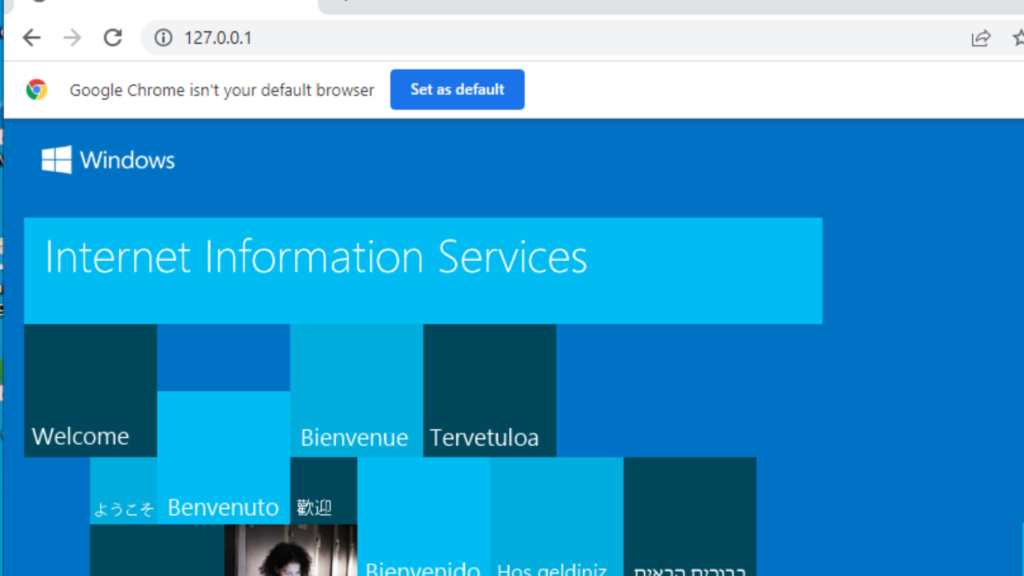
For Windows Web Server Hosting and Software Application
In the world of web hosting and application development for Windows based application, IIS and the .NET Framework are essential tools.
They work together to ensure that web applications are accessible and run smoothly. Whether you’re a budding developer or just curious about how websites work, understanding IIS and the .NET Framework is a great place to start.
By exploring these technologies, you’ll gain valuable insights into the backbone of many web applications and the important role they play in the digital world.